Patient observation, verified
Patient rounds. Proof of presence.
Verify staff presence, document observations, and track rounds across your unit.
Ward pairs proximity-verified observations with elopement and fall detection, unit dashboards, and compliance reporting.
Now accepting early access requests.
 Ward09:41
Resting comfortably. No signs of distress.
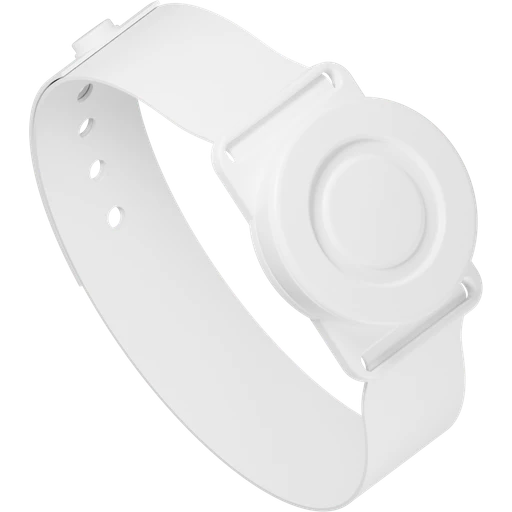 Patient wristband
For inpatient care teams
Behavioral healthAcute careLong-term careWhy verify presence?
Record staff presence
alongside the observation.
A completed checklist doesn’t establish that staff were near the patient. Ward records proximity verification with each observation. When staff document an override, the reason stays in the record.
The observation workflow
How a verified
observation works
Follow an observation from the patient’s bedside to their history.
Staff deviceWard09:41Resting comfortably. No signs of distress.
Patient history
Observation documented.
Saved to the patient’s history.
- Patient
- Alex Morgan
- Observed at
- 09:41 AM
- Documented by
- Jamie Lee, RN
- Observation
- Awake & calm, in bed
- Verification
- Proximity verified
Interactive walkthrough Sample data
When proximity cannot be verified, staff can document an override reason. That distinction stays in the record.
The Ward platform
Patient rounds
and unit oversight.
Document observations, review active alerts, and track compliance.
Document observations
at the bedside.
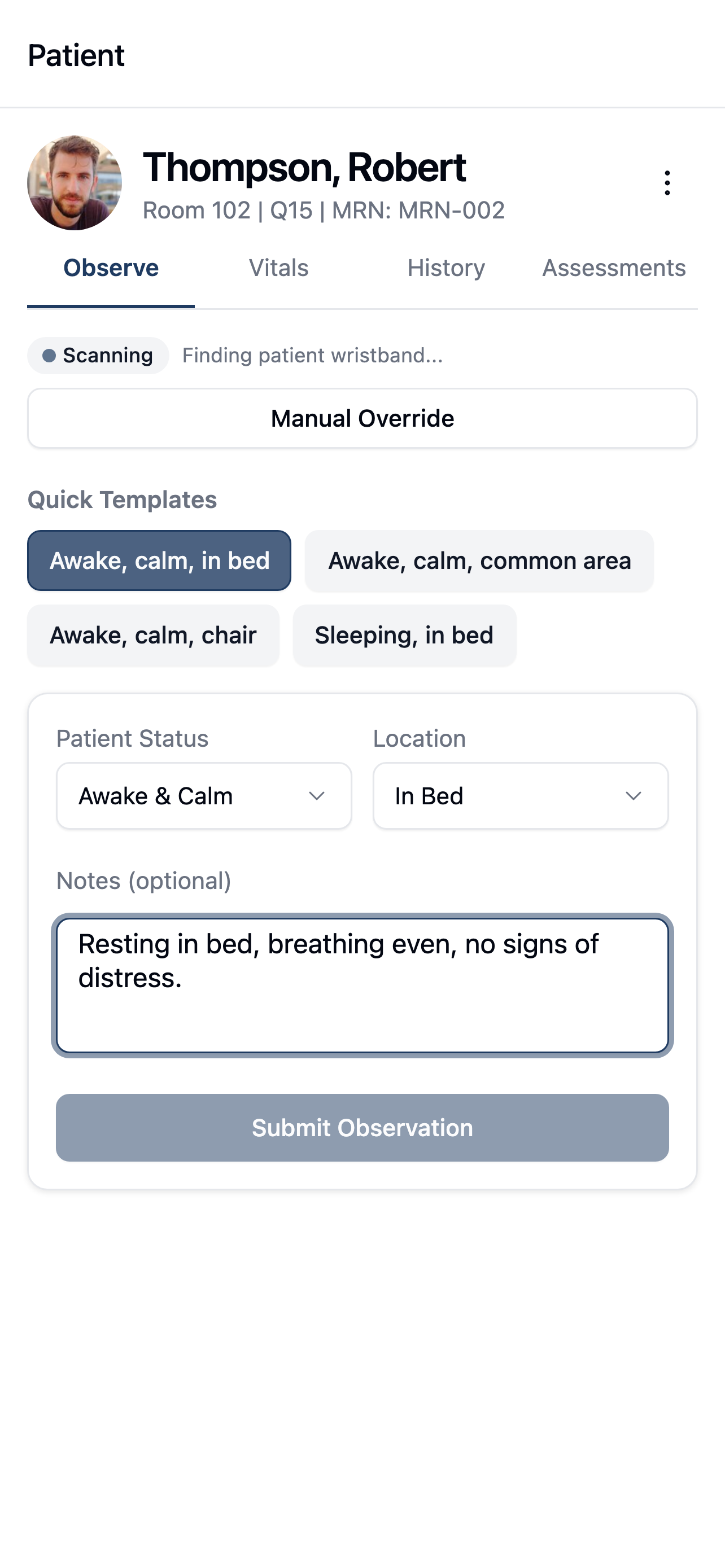
Review patient details, record observations, and enter vitals from the mobile app.
- Proximity-verified observations
- Vitals and assessments together
- Record observations offline
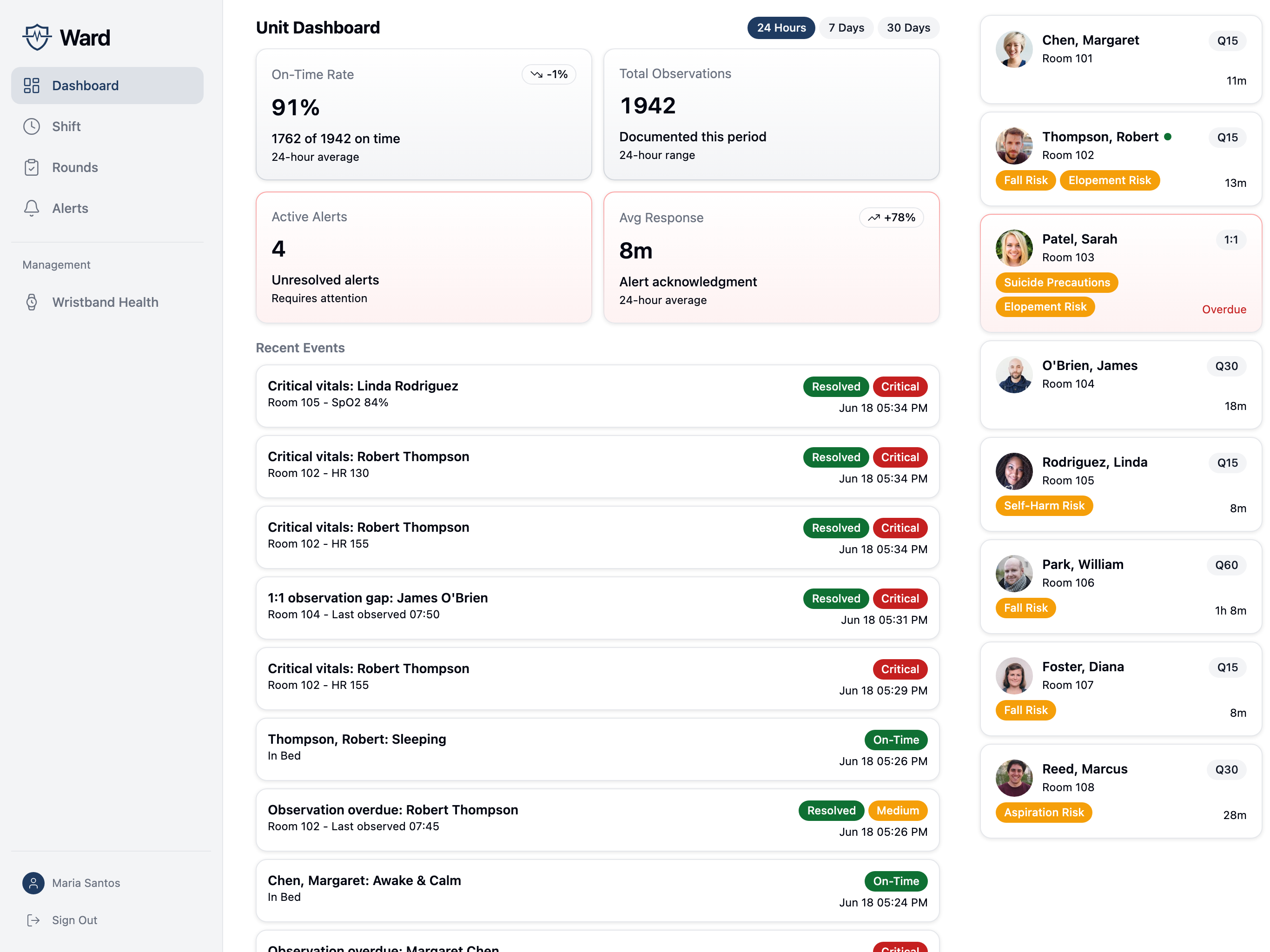
A shared view of your unit.
See observation status, recent activity, and active alerts across your unit.
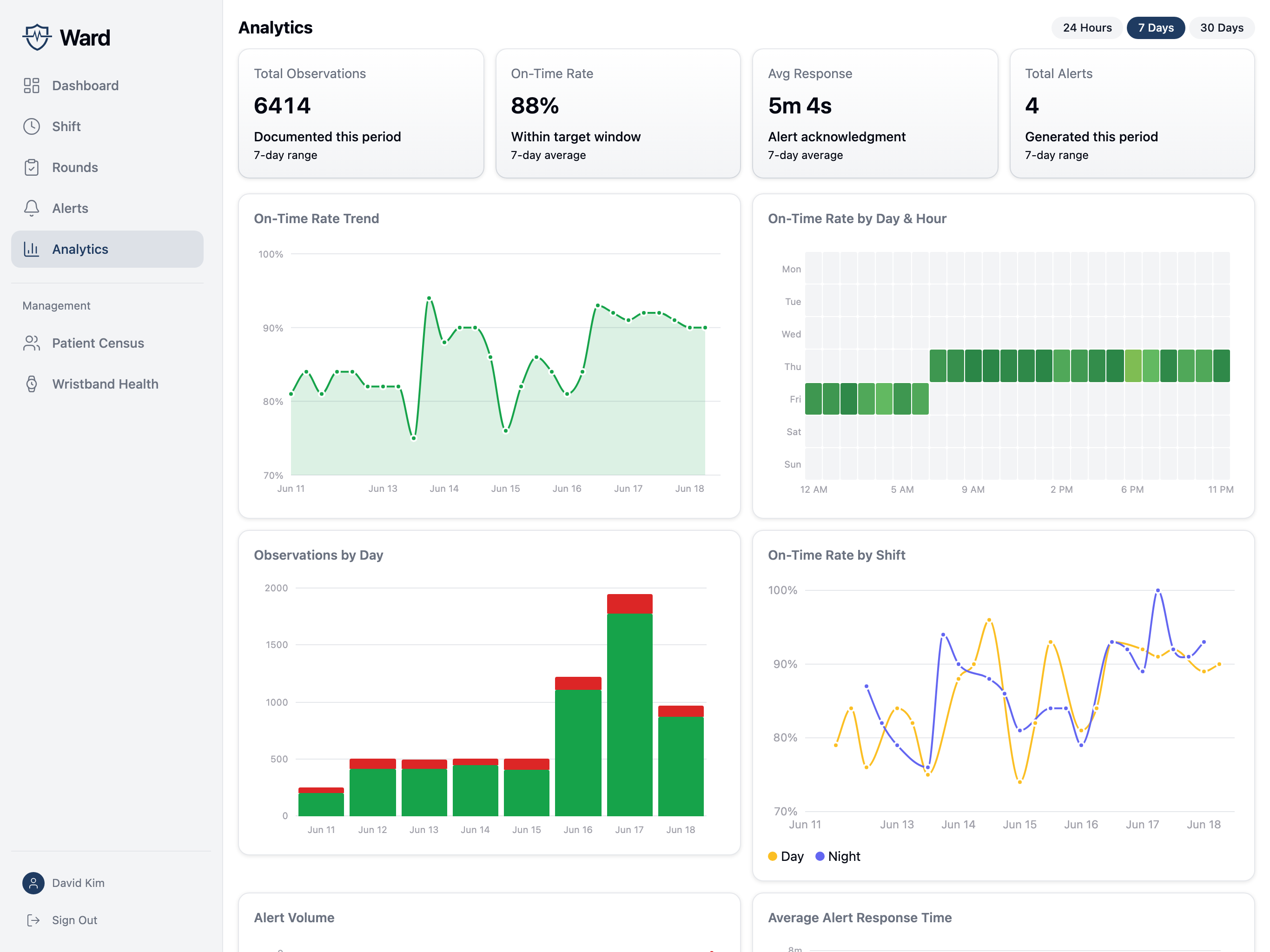
Track observation compliance by unit and shift.
Review on-time observation trends, activity by shift, and alert response times. Export reports as CSV files.
Facility setup
Configured for
your facility.
Set unit protocols, connect your EMR, and control access to patient information.
Explore security & privacyUnit-specific protocols
Configure observation intervals, proximity thresholds, and nighttime protocols for each unit.
Elopement and fall alerts
Staff receive alerts for detected falls and elopement events alongside observation alerts.
EMR integration
HL7 ADT and FHIR integrations connect patient information and clinical documentation with your EMR.
Role-based access
Facility-scoped access, enterprise SSO, and multi-factor authentication for elevated roles.
FAQ
Common questions
What are Q15 checks, and who requires them?
Q15 checks are safety observations where staff see each patient at least every 15 minutes and document what they observe. Neither the Joint Commission nor CMS sets a specific check frequency for general inpatient psychiatric care. Facilities define observation levels and intervals in their own policies, and surveyors hold them to those policies.
How does Ward verify that staff were with the patient?
The staff device detects the patient’s wristband and averages several seconds of signal readings into a distance. The observation is marked proximity-verified only when staff are within the unit’s configured range, and the record keeps that distance with the timestamp and the documenting staff member.
What if a patient’s wristband is missing or not working?
Staff can still document. They choose an override reason, such as no wristband assigned or a wristband malfunction. The observation is recorded as not proximity-verified, and the reason stays in the record and the audit log.
We already chart observations in our EMR. How does Ward fit?
Your EMR records that a check was entered. Ward adds proximity verification at the bedside, real-time fall and elopement alerts, and environment-of-care rounds. Where your EMR supports it, Ward writes observation documentation back to the chart over FHIR, so it works alongside your EMR rather than replacing it.
Which observation levels does Ward support?
Q5, Q15, Q30, and Q60 intervals, plus 1:1 continuous observation. Intervals run from the last observation, and overdue checks raise alerts. On a 1:1, staff get a continuous observation screen with a coverage timer and relief handoffs, and any gap over 5 minutes raises a critical alert.
How do night checks work?
Each unit sets its night hours and protocol: full room entry, or a doorway check that reduces sleep disruption. In both modes, staff see every patient and document each observation.
Does Ward store patient data on site? What does it need from our network?
The on-site hub doesn’t store patient names, and wristbands broadcast only device identifiers. The link between a wristband and a patient exists only in the cloud. The hub makes outbound HTTPS connections only and accepts no inbound connections.
What happens if the network goes down?
Staff keep documenting observations and vitals on their devices. Data is stored encrypted on the device and syncs when the connection returns. The hub keeps running fall and elopement detection and uploads buffered events when it reconnects.
Will you sign a BAA?
Yes. Our BAA commits to breach notification within 5 business days and prohibits using patient data to train AI models. Security documentation is available on request.
Early access
Bring Ward
to your facility.
Leave your work email and we’ll contact you about early access.
Only updates about Ward. No spam.
Your information is handled under our privacy policy.
You’re on the list.
Thanks for your interest in Ward. We’ll be in touch soon.